Power Bank Not Returned? What Lost Banks Really Cost and How to Keep Them Rare
JB Charging Team

When a power bank is not returned, the renter's card is charged a non-return fee ($40 after 24 hours by default), the venue is never charged, and you're one bank short. A spare costs about $20. Say a rental runs an hour at the default $3 per 30 minutes: your 80% is $4.80 before any venue share, so one replacement costs about what four rentals pay you. Four things you control help keep losses rare: the return window, where the station sits, what staff do with a found bank, and how fast you refill. The checklist at the end covers all four.
(Rented one and kept it? The fee is charged to your card and the bank is yours. The rest of this page is for people who run stations.)
What happens when a power bank is not returned
A rental runs until the bank goes back into any free slot at any JB Charging station, where billing stops on its own. If the bank isn't back by the end of the return window, the renter's card is charged a non-return fee and the bank is theirs to keep. The defaults are a 24-hour window and a $40 fee, and you can change both per station.
- The venue is never charged. The banks are yours, not the venue's.
- A replacement bank works out to about $20. Spares come in packs of 10 for $200 (list price at the time of writing, plus shipping as shown at checkout), with Lightning and USB-C cables built in.
- Check your agreement for replacement coverage. Read that clause before you buy (ask about it on your call), and contact support when a bank goes missing.
What a lost bank actually costs you
A lost bank can cost you two things: the replacement, and the rentals an empty slot misses. The second only happens when every other bank is already out. If a station never runs out before you refill, the loss is the replacement alone, about $20 if you buy it yourself.
For illustration, say you keep a J8 stocked at 7 banks with a slot open for returns, and you lose one. On any night the station runs out before you refill, the missing bank would have rented once, for an hour, at $4.80 to you.
| Before you refill | Replacement bank (if you buy it) | Rentals missed | Your 80% missed | Your cost before any fee or coverage |
|---|---|---|---|---|
| Never ran out | $20 | 0 | $0 | $20.00 |
| Ran out 1 night | $20 | 1 | $4.80 | $24.80 |
| Ran out 4 nights | $20 | 4 | $19.20 | $39.20 |
These totals leave out the renter's non-return fee and any replacement coverage. Ask about both on your call (questions at the end).
You can't change what a bank costs. How fast you refill is up to you. Losses also stack: a J8 down three banks looks thin, and one down to zero looks broken to every guest who walks past. More on how many banks to keep in each station, and why one or two slots should stay open, in our stocking rules.
Track lost banks the way a vending route tracks shrink. If your route loses one bank a month, a 10-pack lasts about 10 months. If one station loses one a week, the same pack lasts 10 weeks, and that station's window, spot or staff habits need work before you buy more banks. Refill on visits you're already making, because the drive costs you too.
We don't publish a loss rate, because it swings with the venue, its hours and your settings. The Non-returns card in your portal shows your own count from the first week.
Why banks don't come back
Picture a Sunday at 11:40pm at a neighborhood bar that's closed Mondays and opens Tuesday at 4pm. A guest rents a bank, finishes her drink, and walks home with it in her jacket. Her 24-hour window closes Monday night while the bar is dark, so the fee hits before she can bring it back. That one's on the settings, not the renter.
Match each cause to a lever:
| Why it didn't come back | Your lever |
|---|---|
| Rented late, venue closed the next day | A window that outlasts the closure |
| Left with the crowd at last call | A station guests pass on the way out, plus a last-call line from staff |
| Forgotten in a bag | A return reminder on the screen |
| Left on a table, now in lost and found | Staff dock found banks in any empty slot; you check Active Rentals the morning after |
| Only station in town | A second station of yours within walking distance |
| Traveler heading to the airport | Nothing. That's what the fee is for |
Set the window and fee to fit the venue
Window. The window runs from the moment of the rental, not in business days, so set it to outlast the venue's longest closure. At the bar above, a bank rented at 11:40pm Sunday needs about 40 hours to reach Tuesday's opening, so give that station a 2-day window. Venues open every day can stay at 24 hours. At a one-day event, a longer window won't help after the gates close; clear messaging and a station guests pass on their way out (never in the exit path itself) help more.
Fee. Keep it well above the station's daily max, so keeping a bank never costs a renter less than a day of renting it, and above the roughly $20 a replacement costs you. If you raise a station's price, recheck both. The pricing guide has the full ladder.
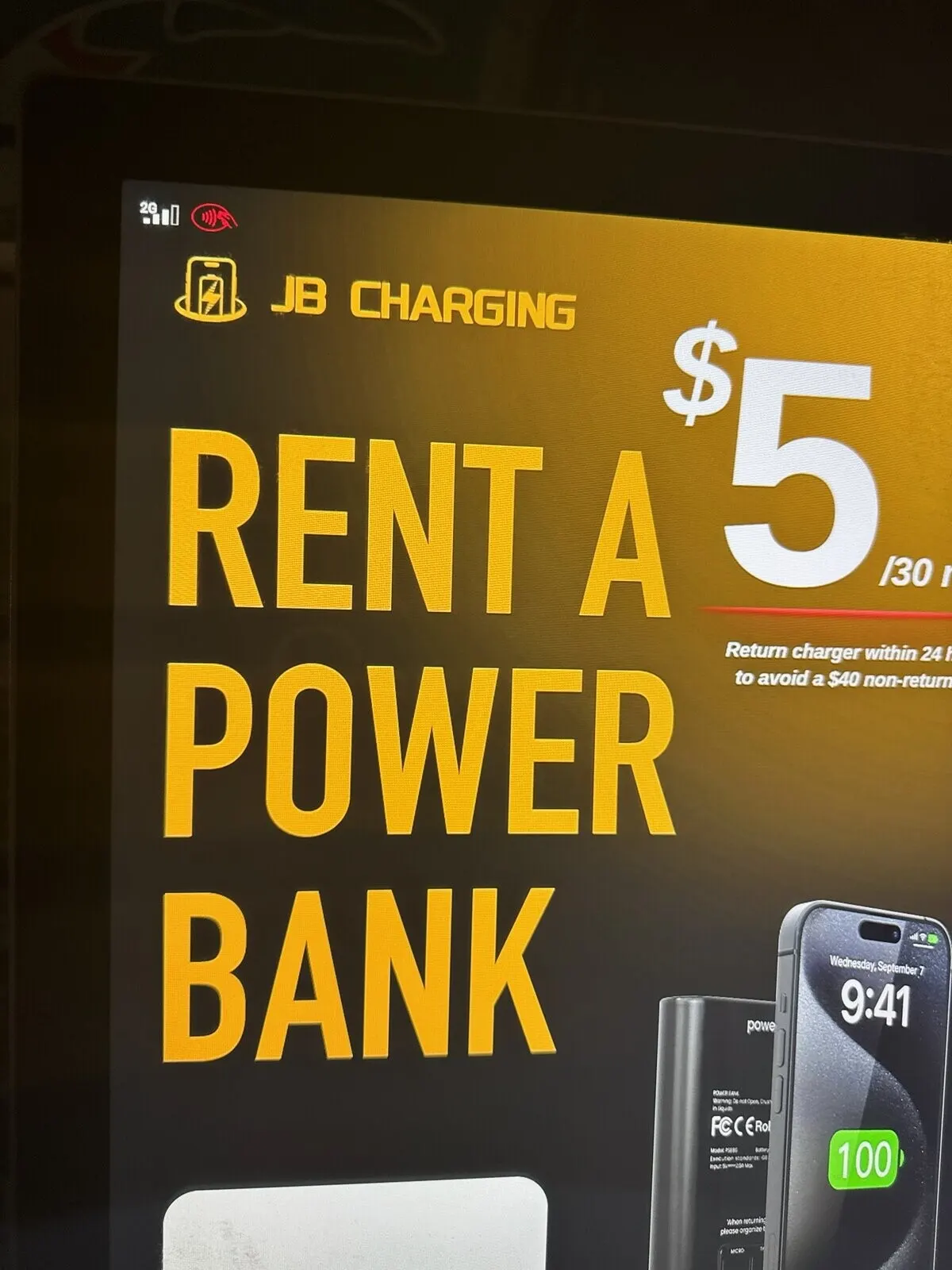
Say it before the tap. Upload a screen slide that shows your price and the return rule together, like the one below. It's a picture, so replace it the same day you change the price, window or fee in the portal. A renter who saw the fee before tapping knew the deal. One who first sees it on a card statement has a complaint, and the venue tends to hear it first.
Keep returns easy: placement, screen and staff
Put the station on the way out. The entrance, the coat check and the restroom hallway all work, because most guests pass at least one of them before they leave. Never put it on the bar or in an exit path, and never run it off an extension cord. More in our placement rules.
Add a second return point. Return-anywhere only helps when another station is within walking distance, such as a station of yours in a hotel lobby near your bar. Renters find stations on the map in the JB Charging app. It's one more reason to go deep in one area before you spread out.
Add a reminder to the rotation. You own the ad space on your stations' screens. Give one slot to a reminder: "Done charging? Any empty slot, here or at any JB Charging station." Upload it to the station from the portal and follow the portal's file spec.
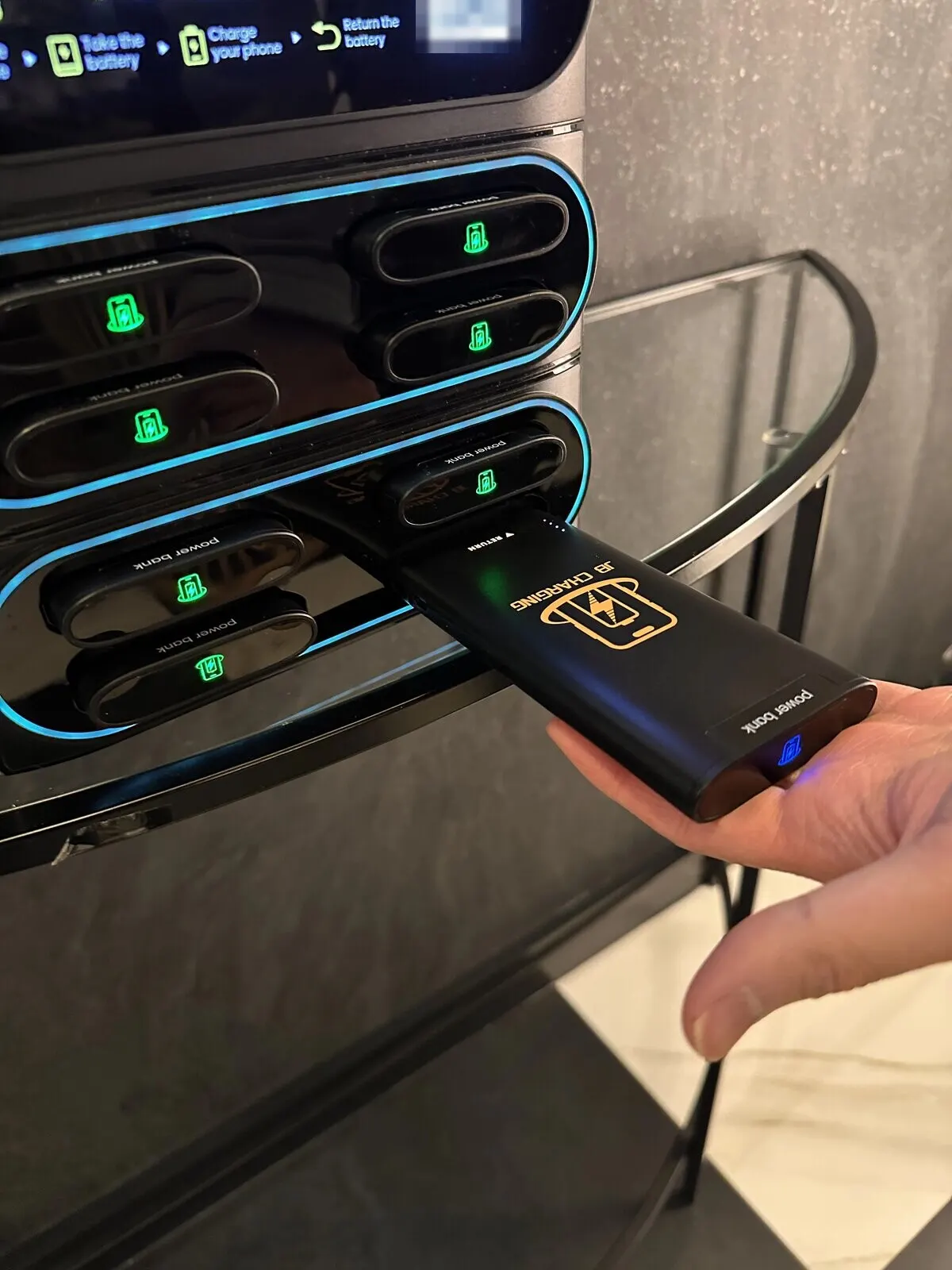
Teach staff one habit and two lines. The habit: a bank found on a table or in lost and found goes into any empty slot. That ends the guest's rental and puts the bank back in service. At last call: "Drop your power bank in the station on your way out." When asked: "Any empty slot, here or at any JB Charging station."
Staff who register with the station's staff code get up to one free rental a day, within a weekly limit, so they learn the machine and can explain it. The back of JB's pitch cards is a rental guide for staff; leave a few behind the counter.
Catch banks in the portal before they're lost
The portal shows trouble well before the window closes.
- Active Rentals lists every bank that's out, how long it has been out and its estimated cost, with staff rentals flagged. Check it the morning after a busy night, and if a bank has been out since closing, ask the manager to check lost and found.
- The Non-returns card on your Overview and each station's page shows banks that crossed the window. If one station keeps appearing, treat it as a placement or settings problem, not bad luck.
- The needs-attention list on your Overview flags stations that are running low or already empty. Check Active Rentals first: on a busy night, low often means rented, not lost.
Replace only what's actually lost. A slot that's empty because its bank shows in Active Rentals isn't a loss, and filling it can leave that renter nowhere to return. Replace banks on the Non-returns card, refill to your stocking target rather than to full, and leave at least one slot free on every permanent station.
Keep spares on hand, not in the mail. Store a 10-pack somewhere cool and dry, not in a parked car, so a refill is a drive rather than a shipment; stock and delivery times can slow replacements. Spares also cover worn banks, which are rated for 500+ cycles.
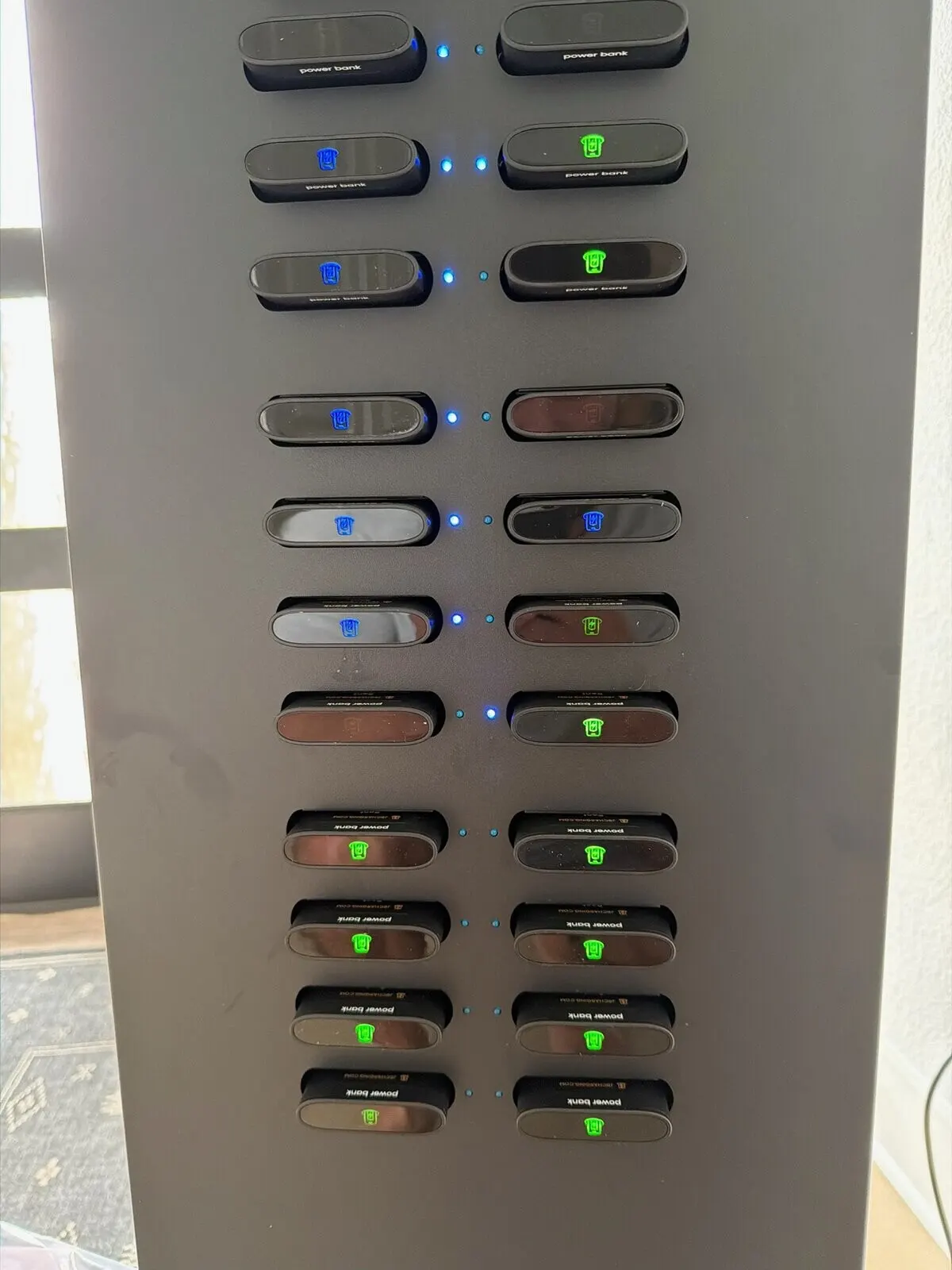
Count before you reorder. Banks in slots + banks out in Active Rentals + spares on hand should equal the banks you own. If one is missing and it isn't on the Non-returns card, contact support before writing it off; it may have been returned at another station.
Send disputes to support. If a renter says they returned a bank and was still charged, point them to help through the machine, the app or their receipt. Renter support runs through JB, not the venue.
What to tell venues
Managers ask what happens if people walk off with the batteries. Your answer:
"If a guest keeps a power bank, their card is charged a non-return fee. You're never charged, and the banks are mine. If your staff find one, put it in any empty slot, and text me if one turns up in lost and found."
That last line makes the venue part of your return loop at no cost to them. JB's standard venue agreement also says the venue isn't liable for third-party theft or customer misuse; if you've changed the terms, check yours before quoting it. For the other questions managers raise, see 12 venue objections and how to answer them.
Shrink-control checklist
| When | Check |
|---|---|
| Before install | The window outlasts the venue's longest closure (closed Mondays: 2 days) |
| Before install | The fee is above $20 and above the station's daily max |
| Before install | A price-and-return slide and a return reminder are in the screen rotation |
| Before install | The station is where guests pass on the way out, visible from the floor, not in an exit path, no extension cord |
| Before install | Staff know the found-bank habit and the last-call line, are registered with the staff code, and have pitch cards |
| Morning after a busy night | Anything in Active Rentals out since closing? Text the manager about lost and found |
| Weekly | A station on the Non-returns card two weeks running? Change the window, spot or briefing before buying banks |
| Every visit | Slots + Active Rentals + spares = banks you own |
| Every visit | Replace only banks on the Non-returns card, refill to target, and leave at least one slot free |
| Spares below one per station | Order a 10-pack |
Next step
Book a call and bring these questions:
- How do the non-return settings and Active Rentals work in the portal?
- How do non-return fees and replacement coverage work under the distributor agreement?
- What happens when one of my banks is returned to another operator's station?
- What do non-returns look like at the venues I'm targeting?
Stations and 10-packs of spare banks are on the products page.
Examples are illustrative only, not a forecast or a typical result. What a station earns depends on the venue, placement, pricing, local demand, and how actively you run it.
Frequently Asked Questions
What happens if a power bank is not returned?
By default, if the bank isn't back in a free slot at any JB Charging station within 24 hours, the renter's card is charged a $40 non-return fee and the renter keeps the bank. Operators can change both the window and the fee for each station.
Is the venue charged if a guest walks off with a power bank?
No. The renter is charged the non-return fee, never the venue. The banks belong to the station's owner, usually the local operator. Under JB's standard venue agreement the venue isn't liable for third-party theft or customer misuse, and hosting terms are agreed in writing with the local operator before install.
Can renters return a power bank to a different station?
Yes. Putting the bank in a free slot at any JB Charging station ends the rental, and the JB Charging app has a map of stations. In a town with only one station, that means bringing it back to that one.
Does the 24-hour window count days the venue is closed?
Yes. By default the window runs 24 hours from the time of the rental, not in business days, so a bank rented the night before a closed day can reach the fee before the venue reopens. Operators can set a longer window on stations at venues with closed days.
What does a lost power bank cost the operator?
If you replace it yourself, about $20 from a 10-pack ($200 list at the time of writing), plus any rentals the empty slot misses on nights the station runs out before you refill. Check the replacement coverage in your distributor agreement, and contact support when a bank goes missing.
How long should the non-return window be?
The 24-hour default suits venues that are open every day. Where a venue is closed some days or opens late, set a window that outlasts its longest closure, such as 2 days for a bar closed Mondays. Keep the fee above your replacement cost and the station's daily maximum.

